UI/UX With AI Advanced Program
A complete advanced UI/UX design program that blends product thinking, UX research, visual design, design systems, prototyping, AI-powered workflows, portfolio projects, and placement readiness for 2026 design careers.
Build Job-Ready Skills With A Practical Learning Path
This program is designed for students and working professionals who want structured training, guided practice, and portfolio outcomes in UI/UX With AI Advanced Program.
What You Will Learn
Program Highlights
Curriculum
- UX vs UI vs Product Design
- Modern UX design process
- Role of UX in business
- Problem statements and product thinking
- User and business goal definition
- AI-assisted problem framing
- Product idea validation with AI
- User psychology, mental models, cognitive biases
- ChatGPT setup and prompt basics for designers
- Qualitative vs quantitative research
- Choosing the right research method
- User interviews, surveys, and observational research
- AI-generated interview questions
- Instant survey creation using AI
- AI-assisted competitor analysis
- Research pattern identification
- Pain points and opportunity mapping
- AI summaries, insights, and research reports
- Empathy mapping and behavioral analysis
- Goal-based and scenario-based personas
- AI persona generation and validation
- Generating multiple user types
- User stories and Jobs-To-Be-Done
- AI-based idea generation
- Feature expansion and prioritization using AI
- Information architecture and content structuring
- Hierarchy and sitemap creation
- Navigation patterns and best practices
- Task flows, user flows, and decision flows
- AI-generated IA and user flows
- Navigation optimization
- Card sorting and flow testing
- Low, mid, and high-fidelity wireframing
- Usability heuristics and accessibility basics
- Layout structuring principles
- Figma for UX design
- Idea to wireframe using AI
- Generating multiple layout options
- Improving UX using AI suggestions
- Interactive prototypes and interaction flows
- Usability test planning
- Conducting tests and collecting feedback
- AI-based feedback analysis
- Identifying usability issues
- Predicting user behavior
- Iterating designs using AI insight
- UX writing for interfaces
- Clarity, tone, and content hierarchy
- Microcopy for CTAs, errors, and empty states
- Content strategy for digital products
- Generating UX copy with ChatGPT
- Readability improvement and conversion-focused writing
- UX documentation and research reports
- Flow documentation and design decisions
- Case study structure: problem, process, solution, outcome
- AI-assisted case study writing
- Storytelling enhancement
- Portfolio structure and project presentation
- End-to-end UX project
- Problem identification
- AI-assisted research
- Personas and user flows
- Wireframes and prototype
- Portfolio-ready case study
- Real-world AI-integrated workflow
- Introduction to UI Design
- UI vs UX vs Product Design
- Evolution of modern UI trends for 2026
- Visual hierarchy, balance, contrast, and alignment
- Whitespace and spacing systems
- Typography systems and accessibility
- Color theory, psychology, and palettes
- AI moodboard and style exploration with ChatGPT and Midjourney
- Consistency, layout principles, and spacing systems
- 8pt grid and responsive grids
- Buttons, inputs, cards, variants, and states
- Reusable components in Figma
- Design systems, tokens, and style guides
- AI-generated UI components
- Maintaining consistency with AI prompts
- UI states: hover, active, disabled
- Feedback and system response
- Micro-interactions and motion principles
- Clickable prototypes and interaction flows
- Advanced prototyping in Figma
- Auto Layout mastery for responsive components
- Android and iOS UI patterns
- AI-generated UI layouts and variations
- Mobile app UI patterns and navigation systems
- Website and landing page UI
- Conversion-focused landing pages and CTA psychology
- SaaS dashboard design and data visualization basics
- Complex UI structuring
- Responsive and mobile-first design
- Dark mode, theming, and accessibility
- AI-assisted product screen generation and optimization
- Attention-driven UI psychology
- Visual decision making
- CTA optimization and engagement layout
- Reducing user friction
- WCAG basics and inclusive design
- Visual testing and A/B testing basics
- AI-based UI improvement and conversion suggestions
- Mobile app UI project
- Website UI project
- Dashboard UI project
- Redesign project
- Case study creation and visual storytelling
- Behance or portfolio setup
- AI-assisted case study and portfolio content optimization
- AI-powered UI generation
- Wireframe creation using prompts
- UX idea brainstorming
- Fast design iterations
- Claude for microcopy, landing page content, onboarding flows, and messages
- Prompt engineering for designers
- Research to prompt to design to refine workflow
- AI-assisted client workflow and faster delivery
Real-World Projects
Requirements
Certification And Career Support
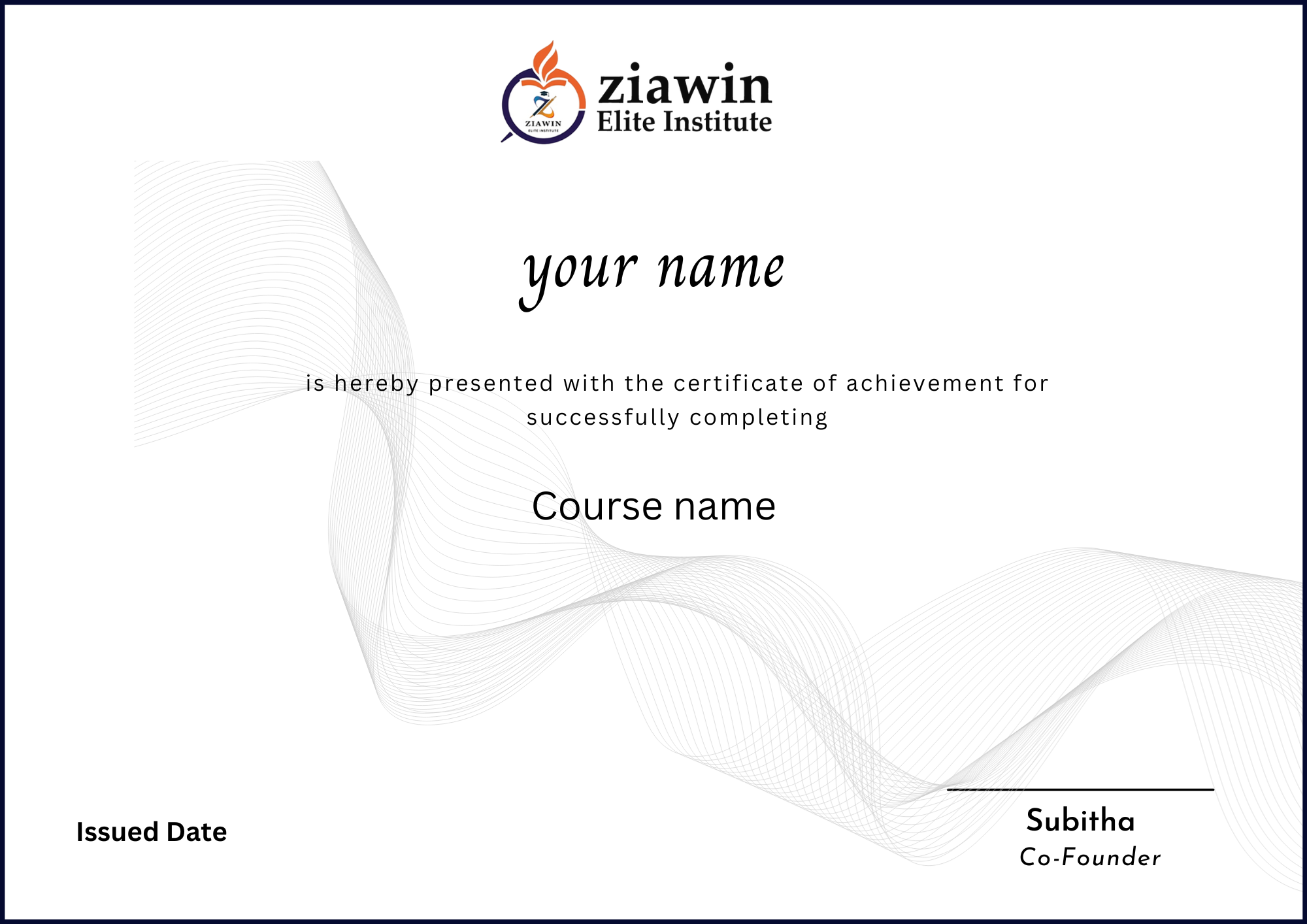
Ziawin Elite course completion certificate.
Portfolio-ready capstone project and case study guidance.
Design workflow documentation support.
Resume and portfolio preparation for UI/UX roles.
Case study presentation guidance.
Mock interview and design review support.
Placement support for suitable openings and opportunities.
Key Features
Completion Certificate
Placement Support
Placement Support Certificate
7 Days Refund Policy
Expert Instructors
One-to-One Session
What Will You Learn?
Accelerate your learning journey with our comprehensive course designed to equip you with essential skills and practical knowledge in UI/UX With AI Advanced Program.
- Build complete UX workflows using AI-assisted research, ideation, wireframing, prototyping, and testing.
- Design modern UI screens, responsive layouts, design systems, dashboards, websites, and mobile app interfaces.
- Use ChatGPT and Claude for UX writing, research summaries, personas, flows, case studies, and design iteration.
- Create portfolio-ready UI/UX projects with real-world scenarios and AI-integrated workflows.
- Prepare professional case studies and present design decisions with confidence.
Requirements
Before getting started with this course, it's beneficial to have the following:
- Basic computer knowledge and interest in digital product design.
- No prior UI/UX experience required; beginners can start from fundamentals.
- Laptop or desktop with internet access.
- Figma account and access to AI tools such as ChatGPT and Claude.
Course Completion
Ziawin Elite course completion certificate.
Portfolio-ready capstone project and case study guidance.
Design workflow documentation support.
Curriculum
- UX vs UI vs Product Design
- Modern UX design process
- Role of UX in business
- Problem statements and product thinking
- User and business goal definition
- AI-assisted problem framing
- Product idea validation with AI
- User psychology, mental models, cognitive biases
- ChatGPT setup and prompt basics for designers
- Qualitative vs quantitative research
- Choosing the right research method
- User interviews, surveys, and observational research
- AI-generated interview questions
- Instant survey creation using AI
- AI-assisted competitor analysis
- Research pattern identification
- Pain points and opportunity mapping
- AI summaries, insights, and research reports
- Introduction to UI Design
- UI vs UX vs Product Design
- Evolution of modern UI trends for 2026
- Visual hierarchy, balance, contrast, and alignment
- Whitespace and spacing systems
- Typography systems and accessibility
- Color theory, psychology, and palettes
- AI moodboard and style exploration with ChatGPT and Midjourney
- Mobile app UI patterns and navigation systems
- Website and landing page UI
- Conversion-focused landing pages and CTA psychology
- SaaS dashboard design and data visualization basics
- Complex UI structuring
- Responsive and mobile-first design
- Dark mode, theming, and accessibility
- AI-assisted product screen generation and optimization
- AI-powered UI generation
- Wireframe creation using prompts
- UX idea brainstorming
- Fast design iterations
- Claude for microcopy, landing page content, onboarding flows, and messages
- Prompt engineering for designers
- Research to prompt to design to refine workflow
- AI-assisted client workflow and faster delivery